Close ones, closer.
izzi is where conversations never run out. Message, call, share moments and go live with the people who truly matter to you.
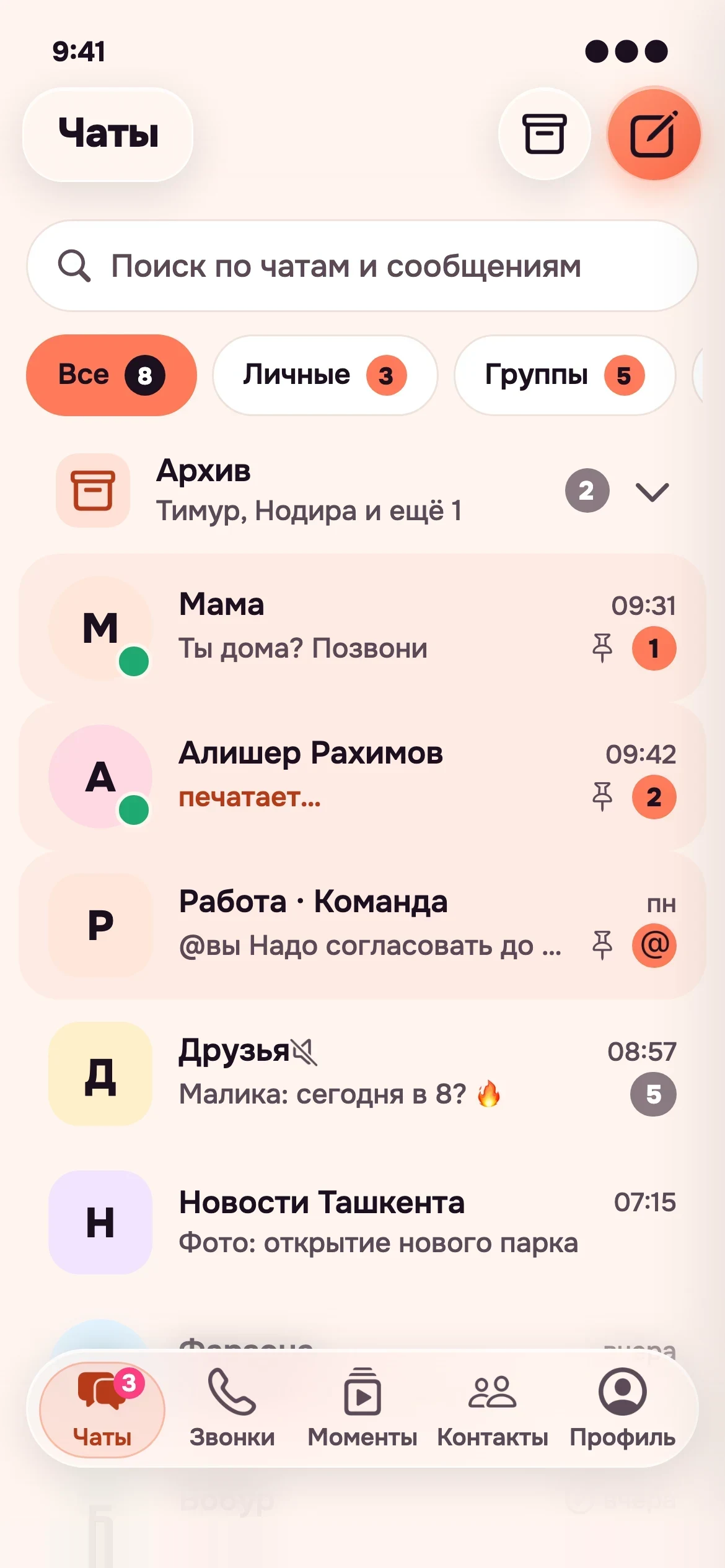
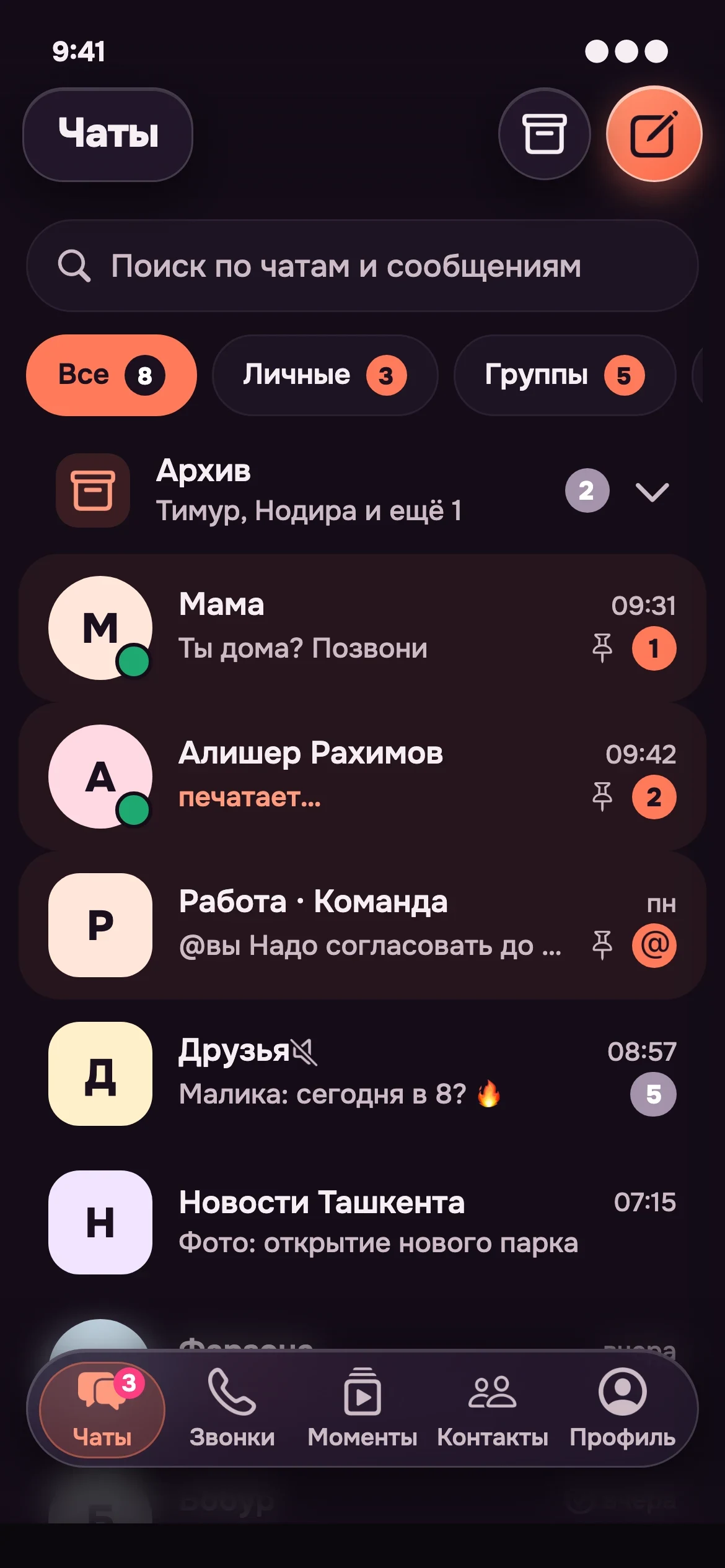
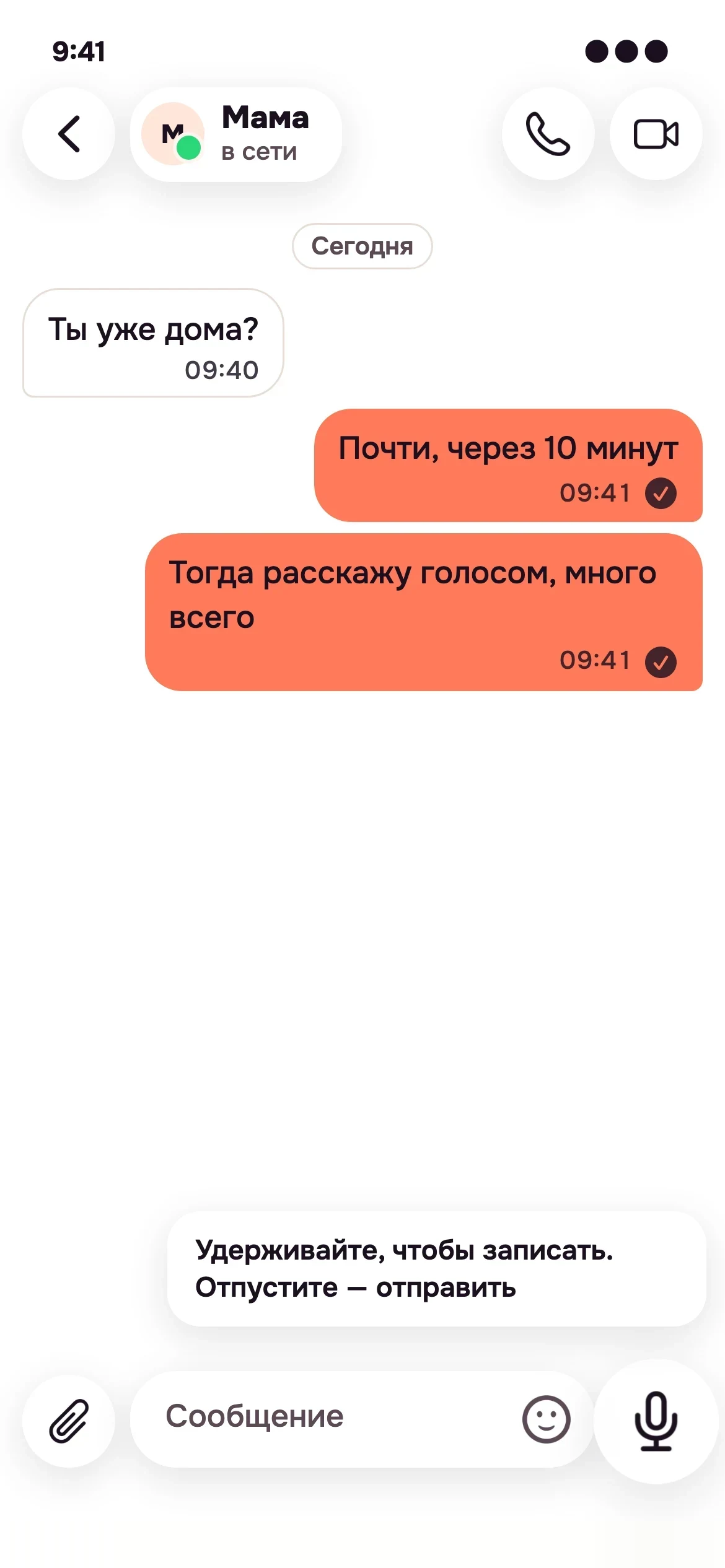
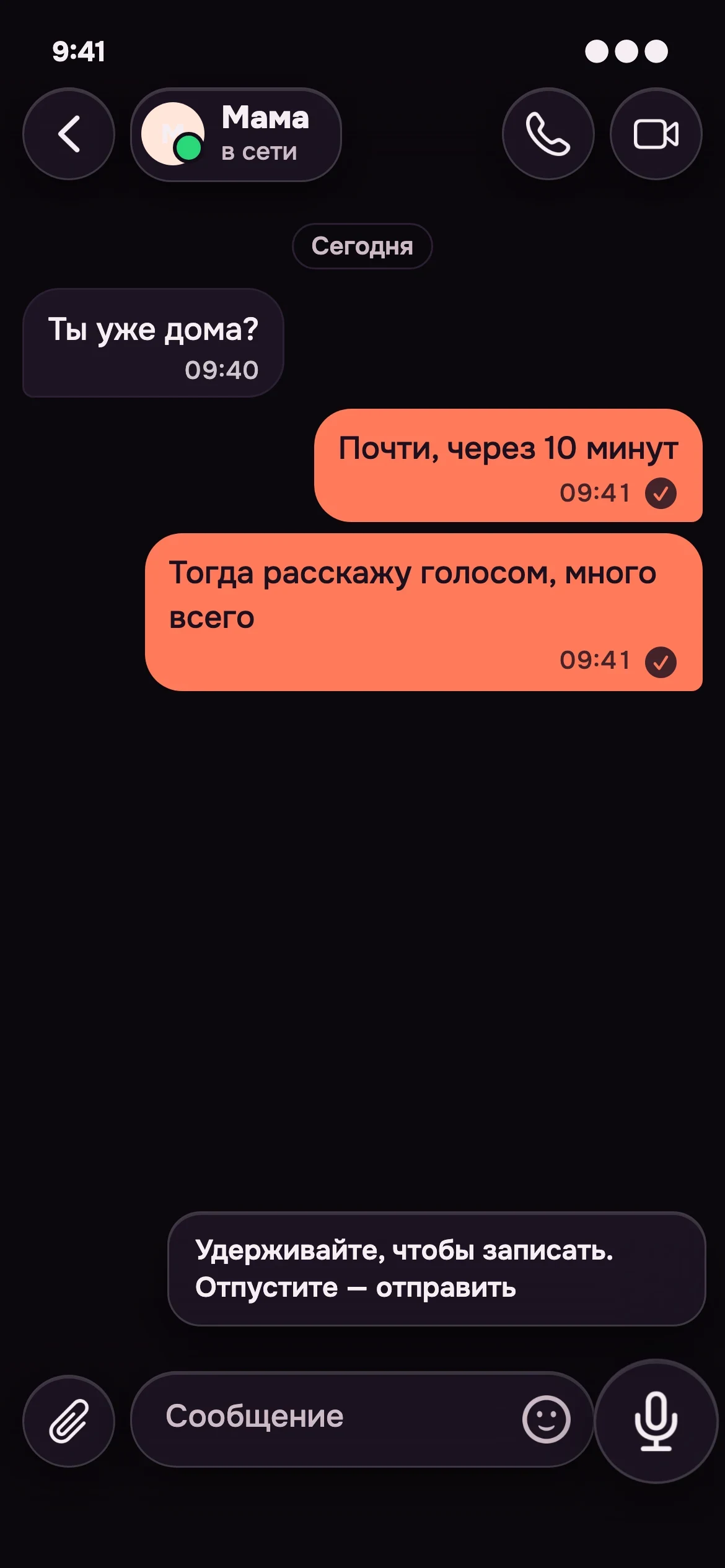
Write the way you talk
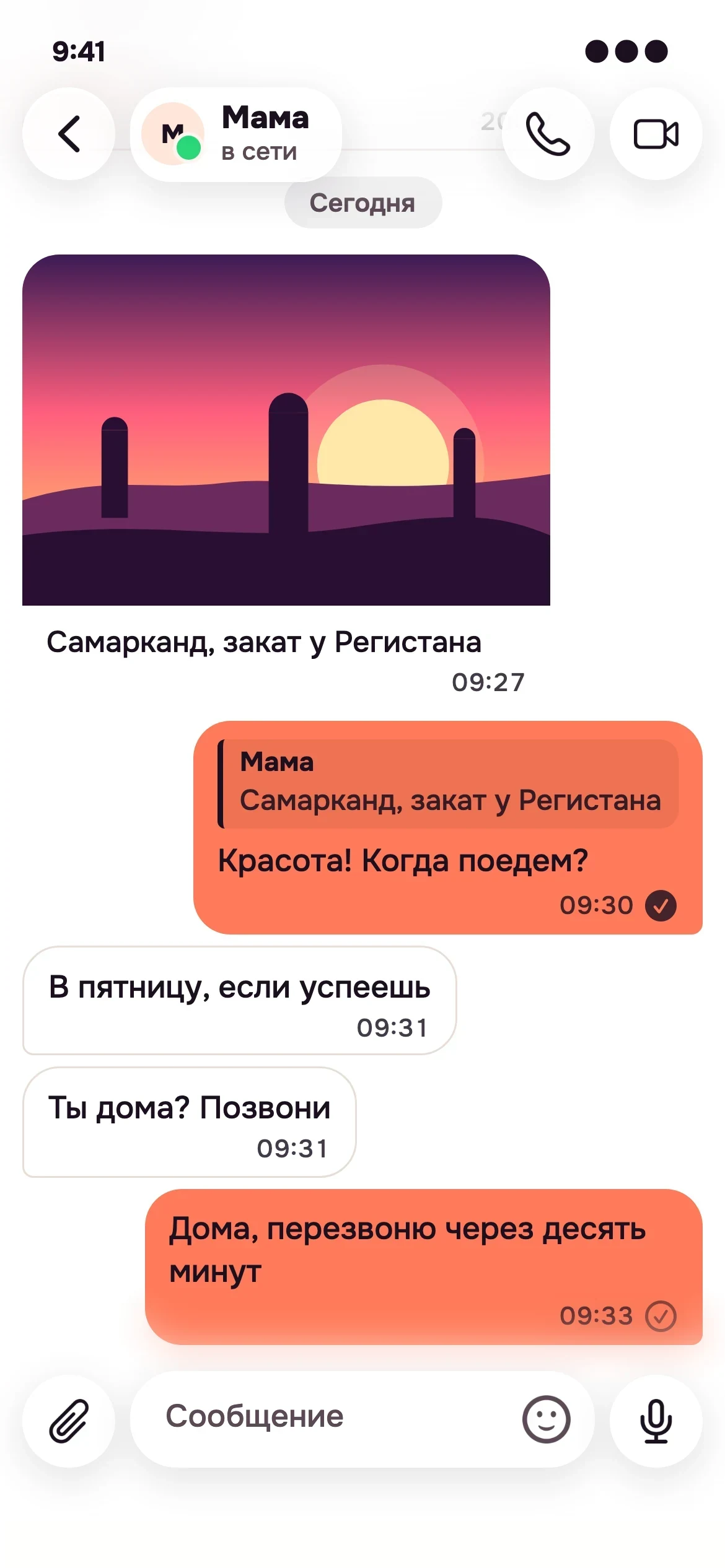
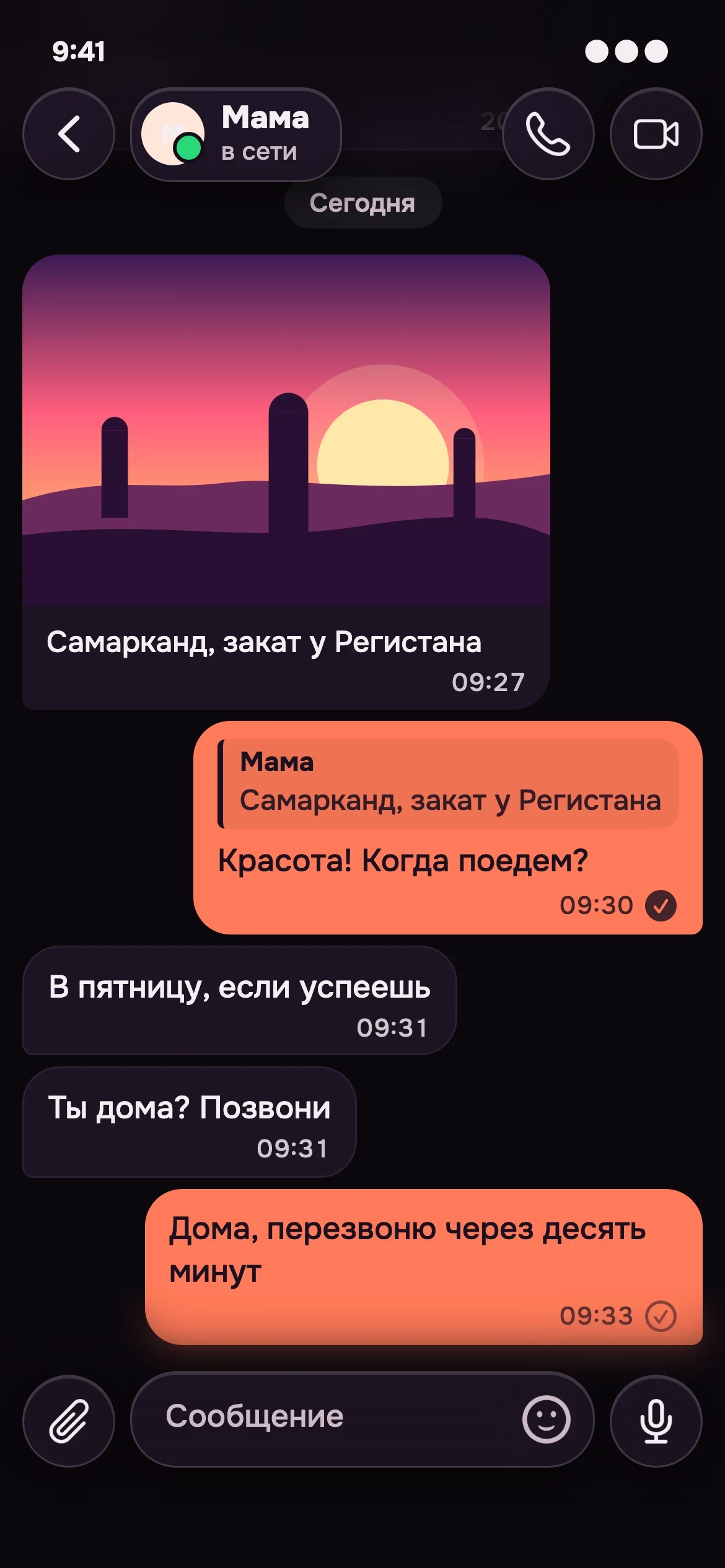
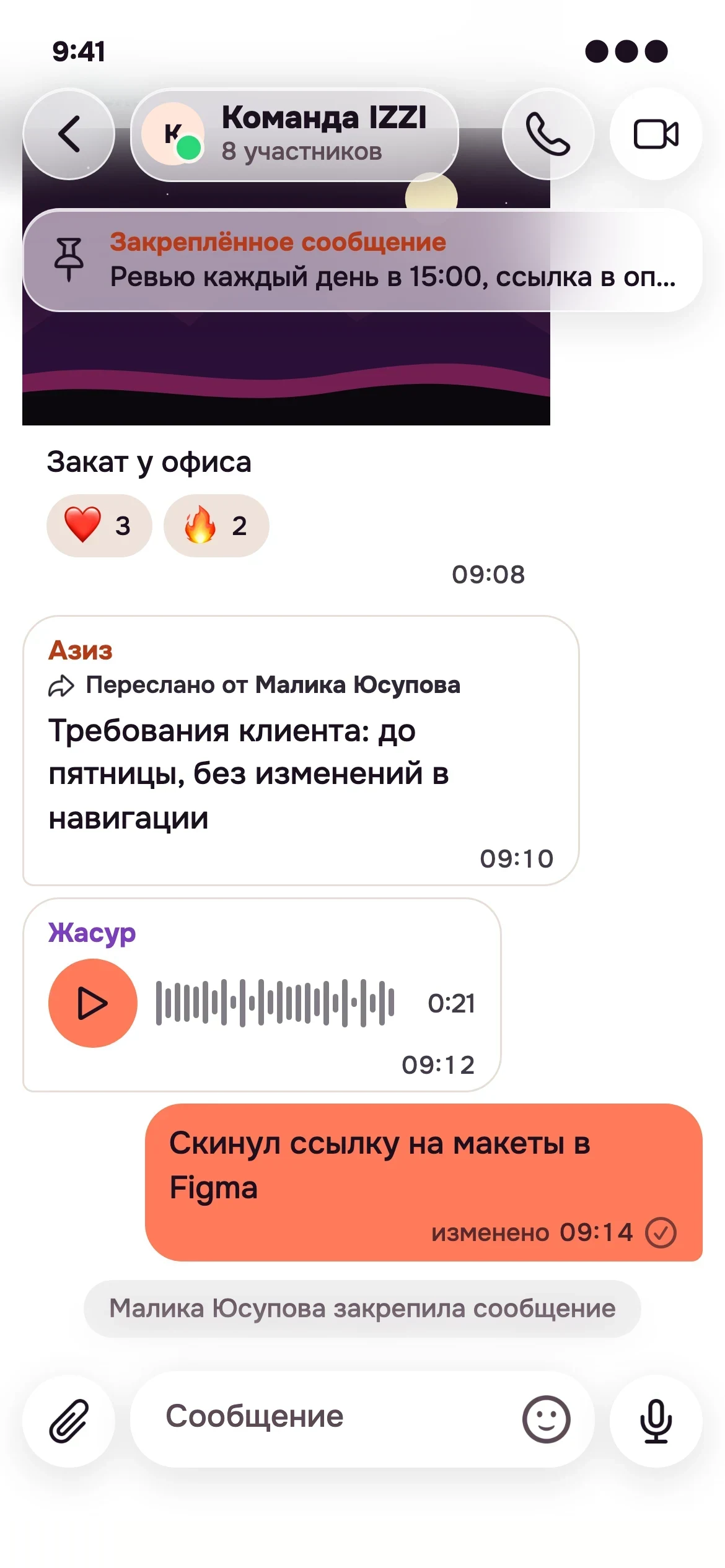
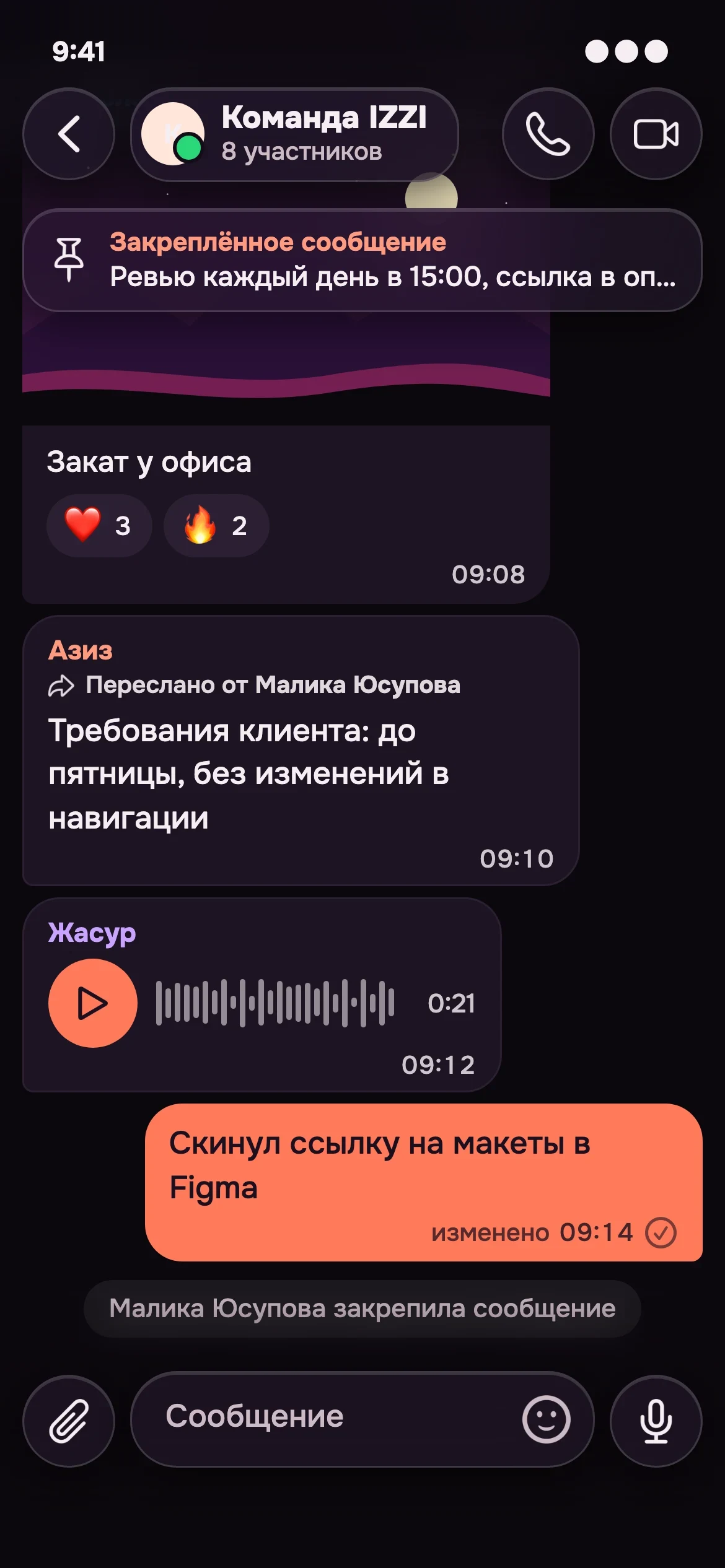
No fuss. Messages feel light, replies are quick, and everything extra steps aside when you are lost in a conversation.
To hear is to be near
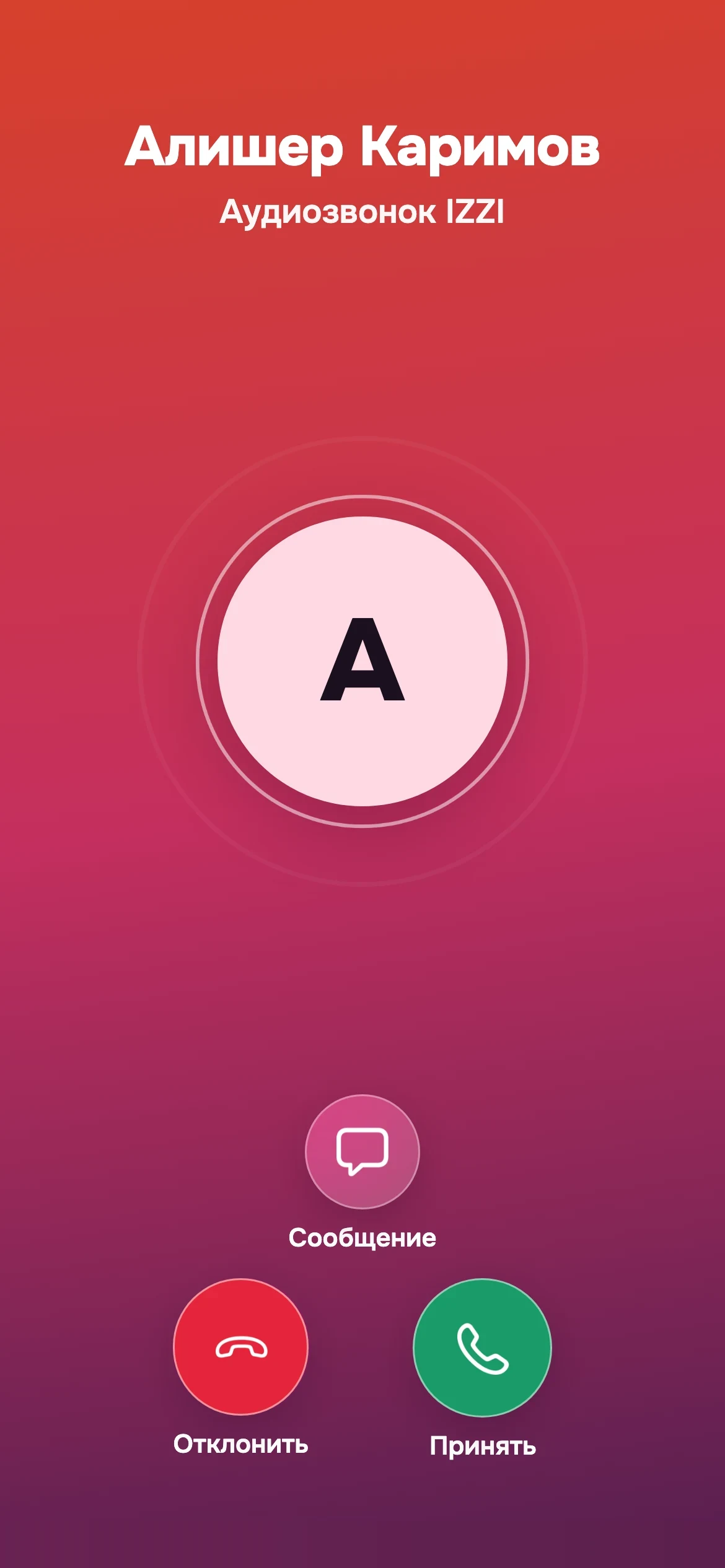
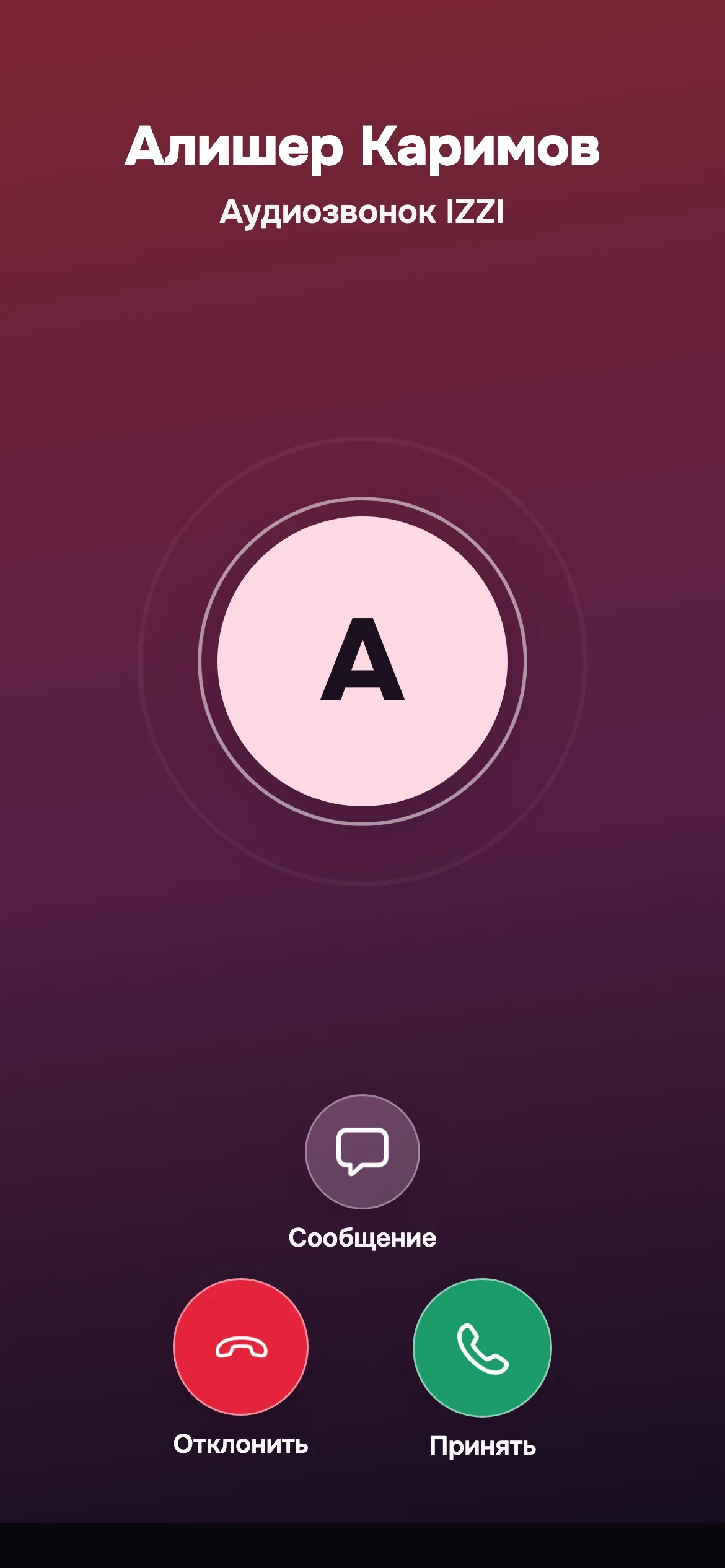
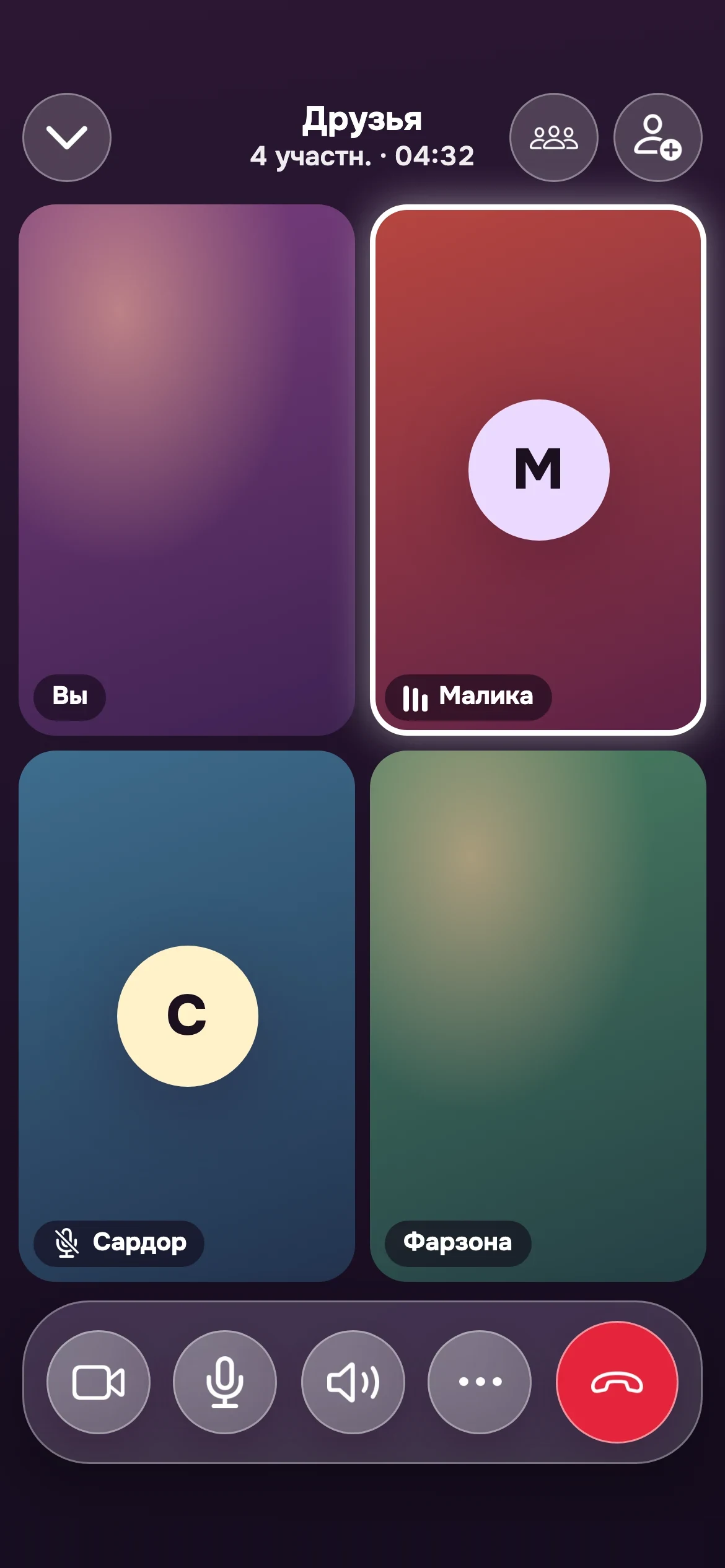
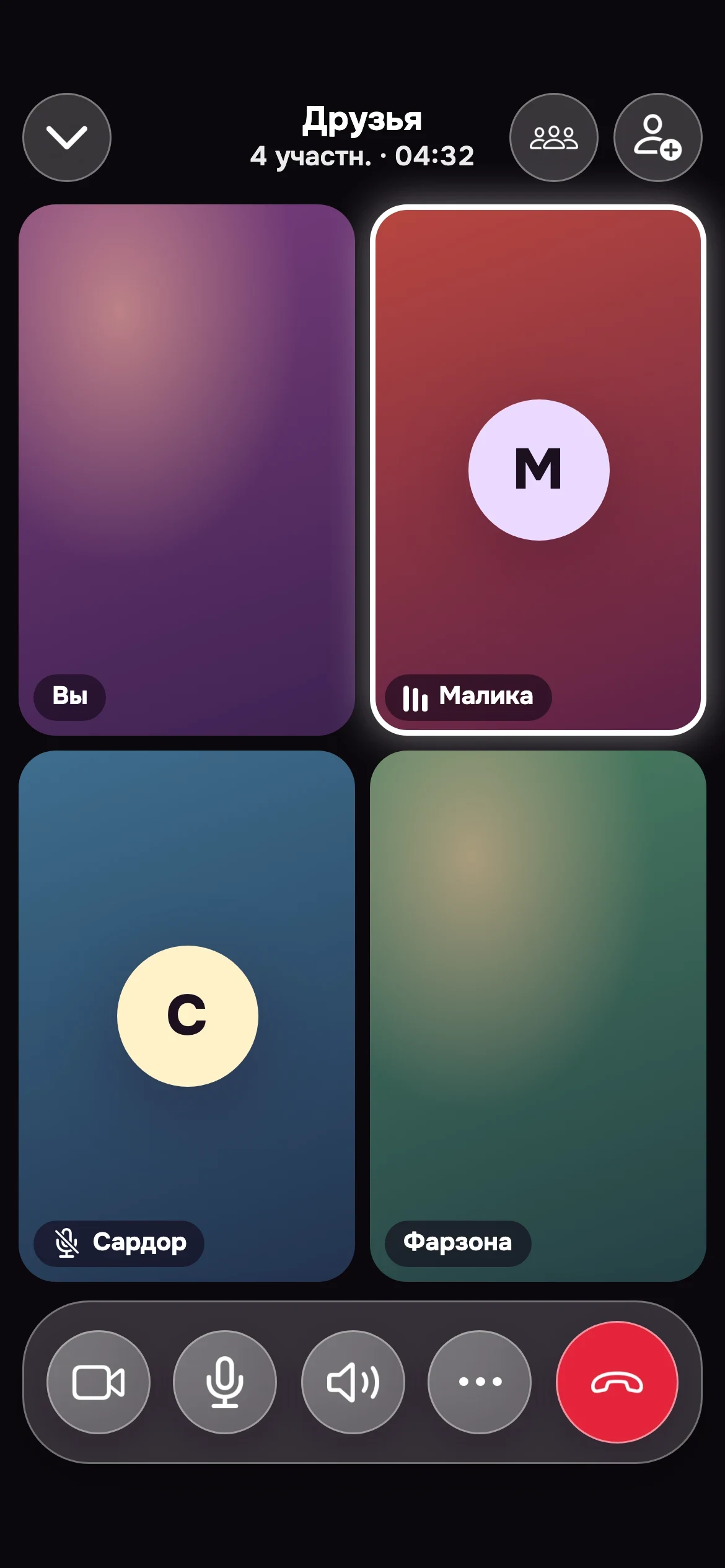
A voice you recognize in a second. Video where you can see the smile. A call that needs no setup: tap, and you are together.
- Call with one tap: voice or video
- All your friends on one screen: a group call like a shared table
- Cannot pick up? Send a message with one tap
- Want to type? Jump into chat while the call stays close
- Sound where it suits you: speaker, earbuds, headset
A second of life that stays
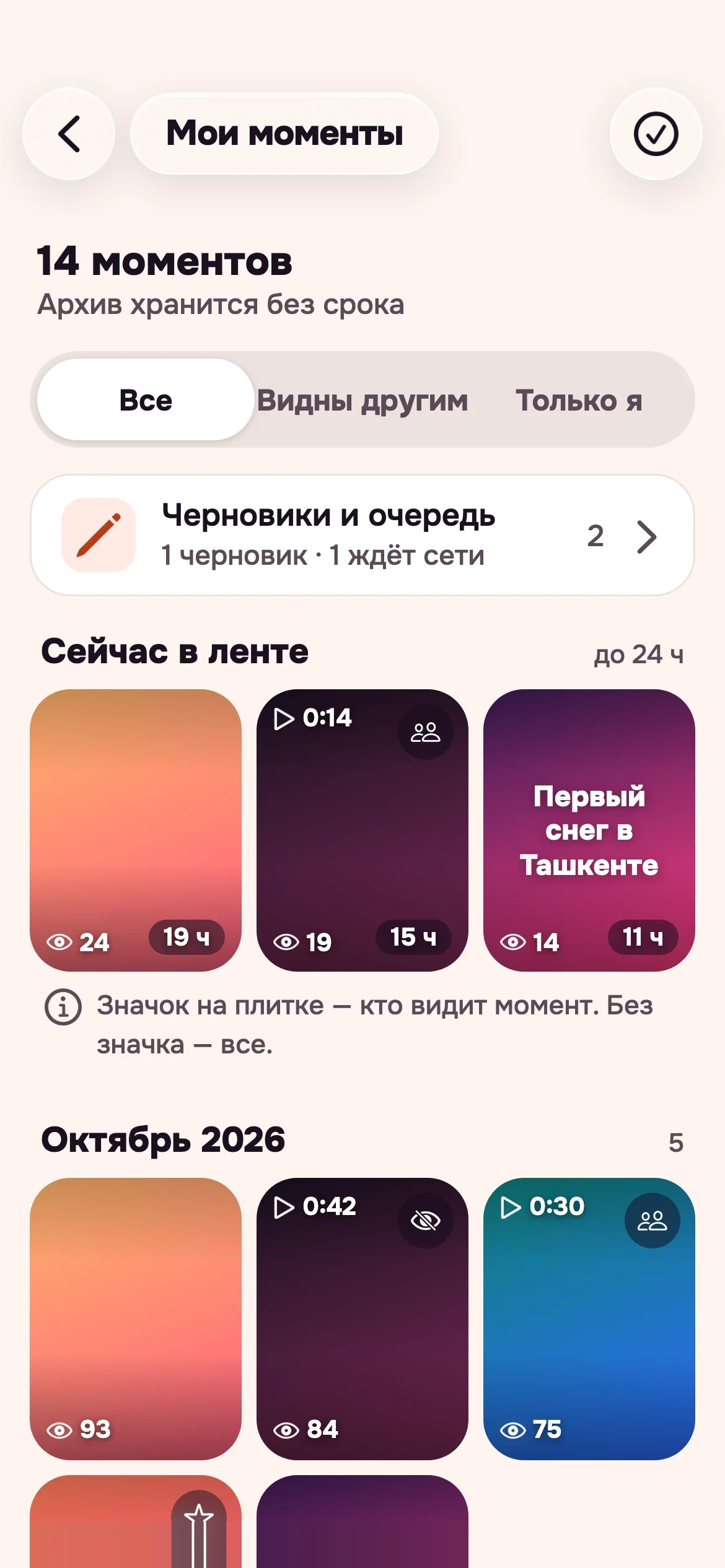
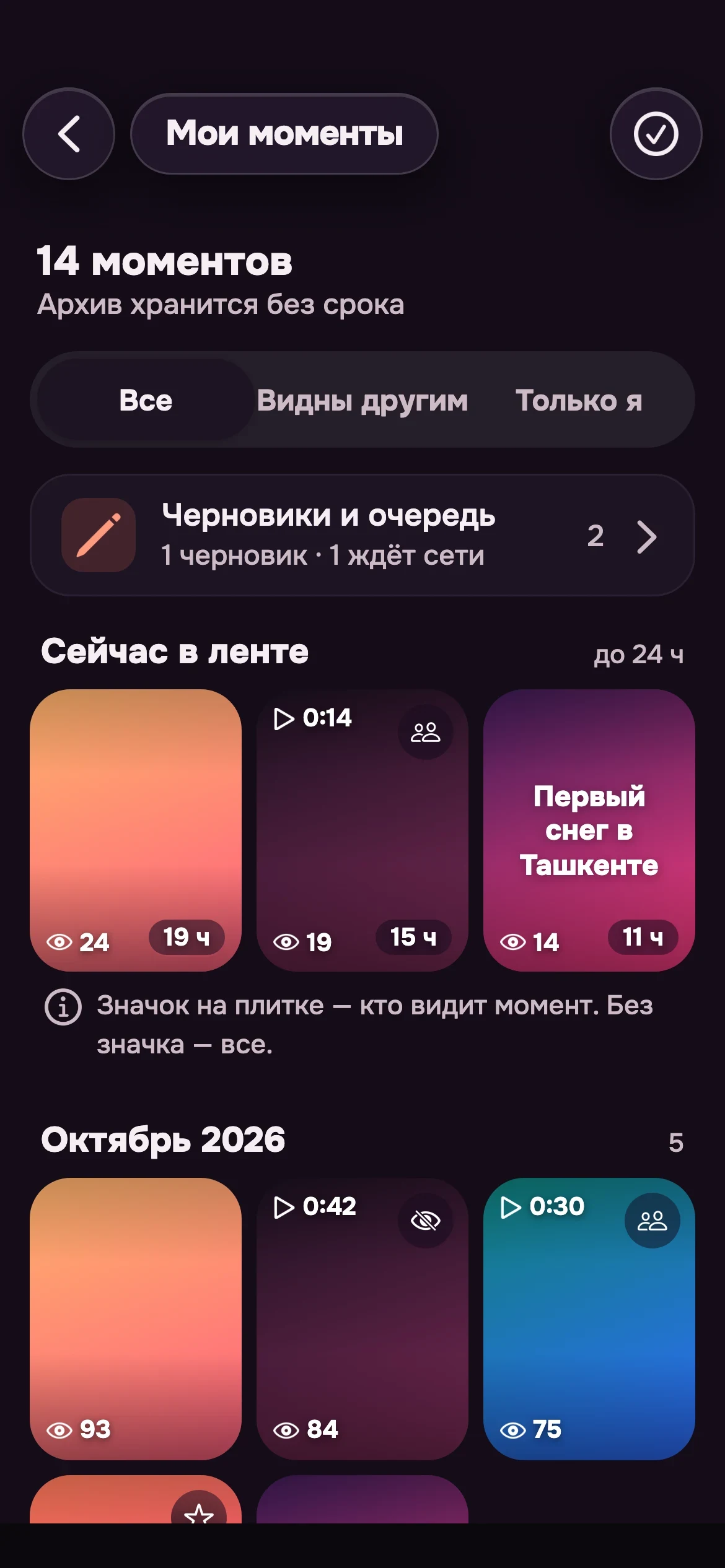
The sunset outside, a funny thought, a video from the party. Share in a couple of taps: friends see it in their feed, and in your archive it stays forever.
- Photos, text and short videos
- You decide who sees it: close friends, everyone or only you
- Reactions and comments: see right away what resonated
- A feed with no race: no countdowns
- A personal archive: your best days always at hand
A broadcast like a meeting
Turn on the camera and your friends are right there. Hearts fly, comments run, and you feel listened to.
- Viewers, reactions and comments right during the broadcast
- Go live together: invite a friend as co-host
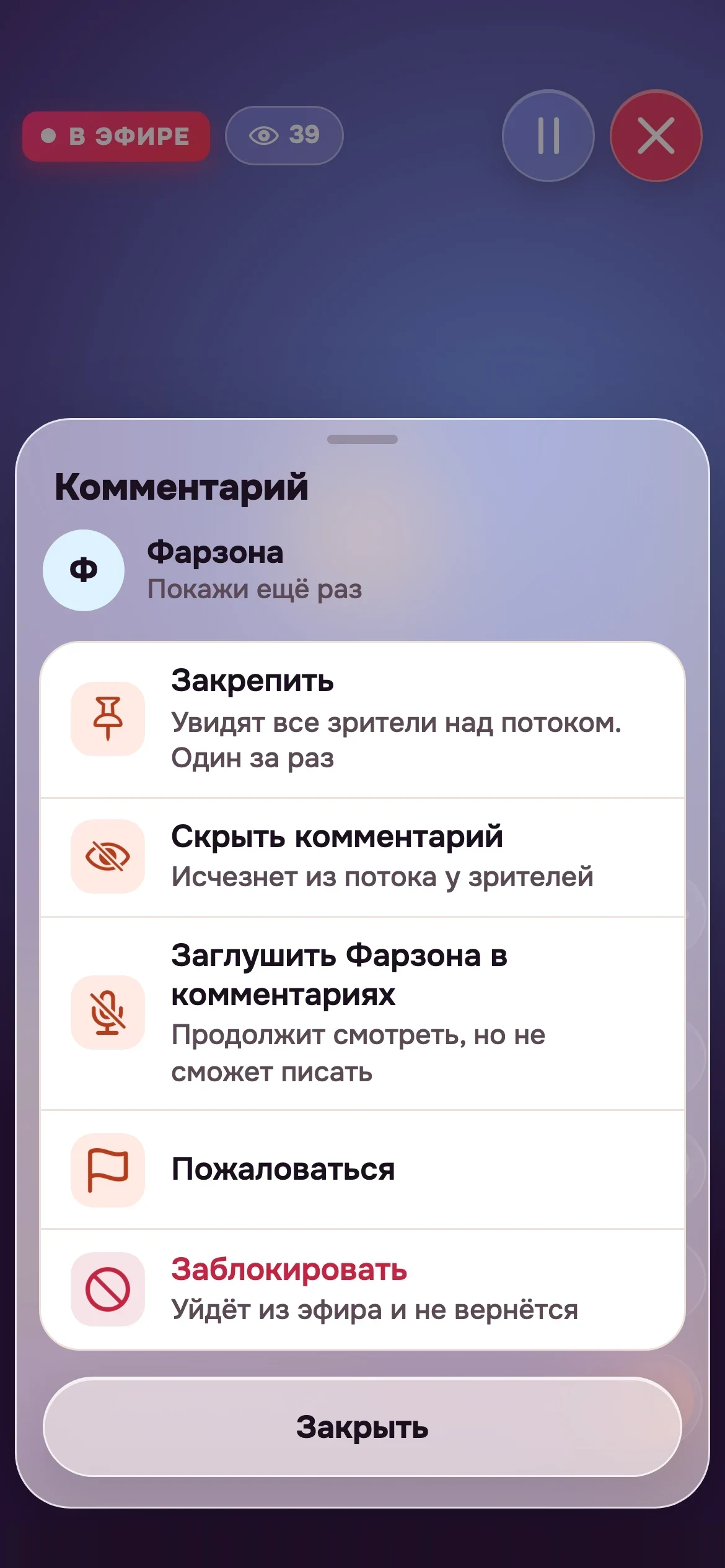
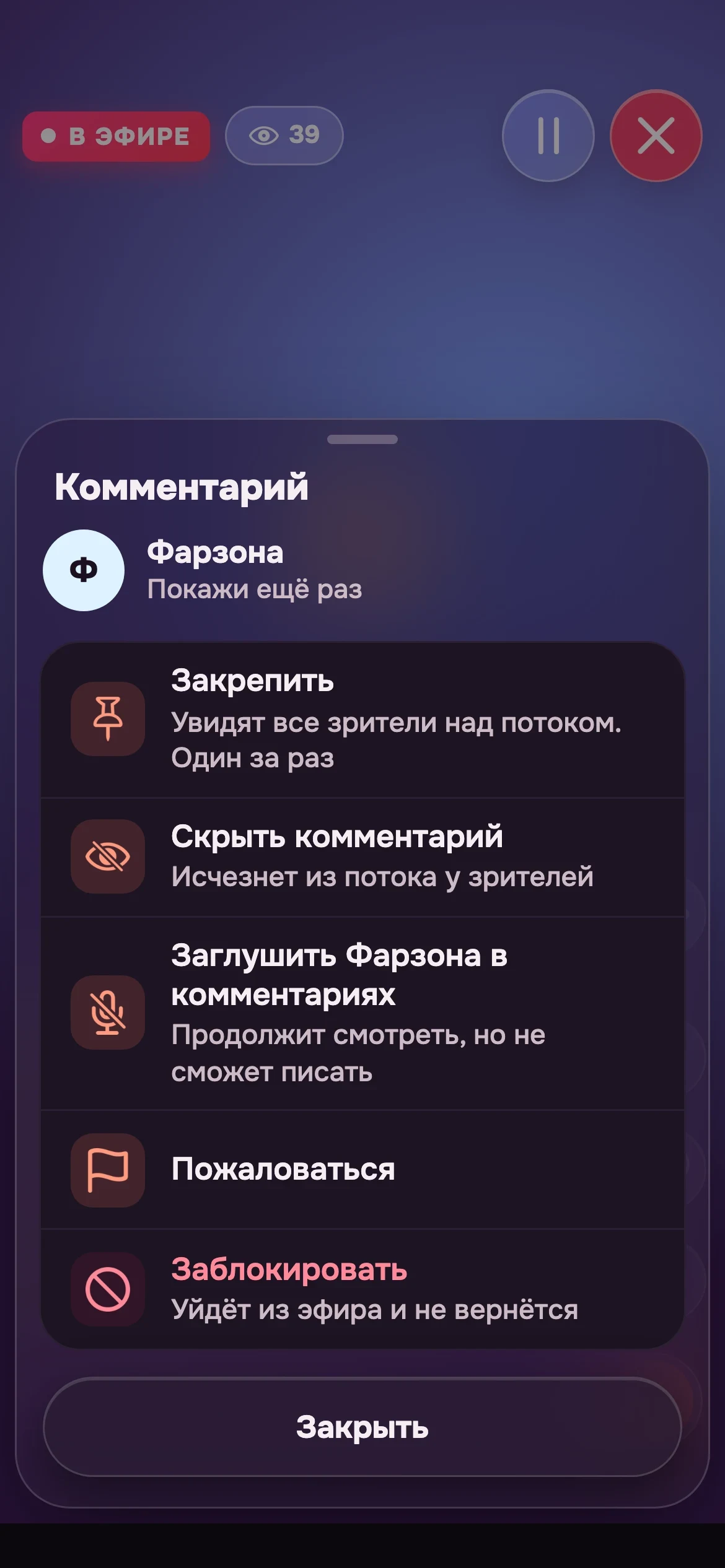
- You run the show: pin a comment, hide the noise
- Need a minute? Pause and come back
- Be the first to know when friends go live
Farzona Show it again
Sardor Who won?
Malika Great!
Kamola The sound is great
Yours is only yours
Sign in without passwords you always forget. Contacts only when you say so. And if something goes wrong, we tell you first.
Start in a couple of seconds
Enter your phone number, pick a name and a photo. No email, no passwords, no long sign-up.
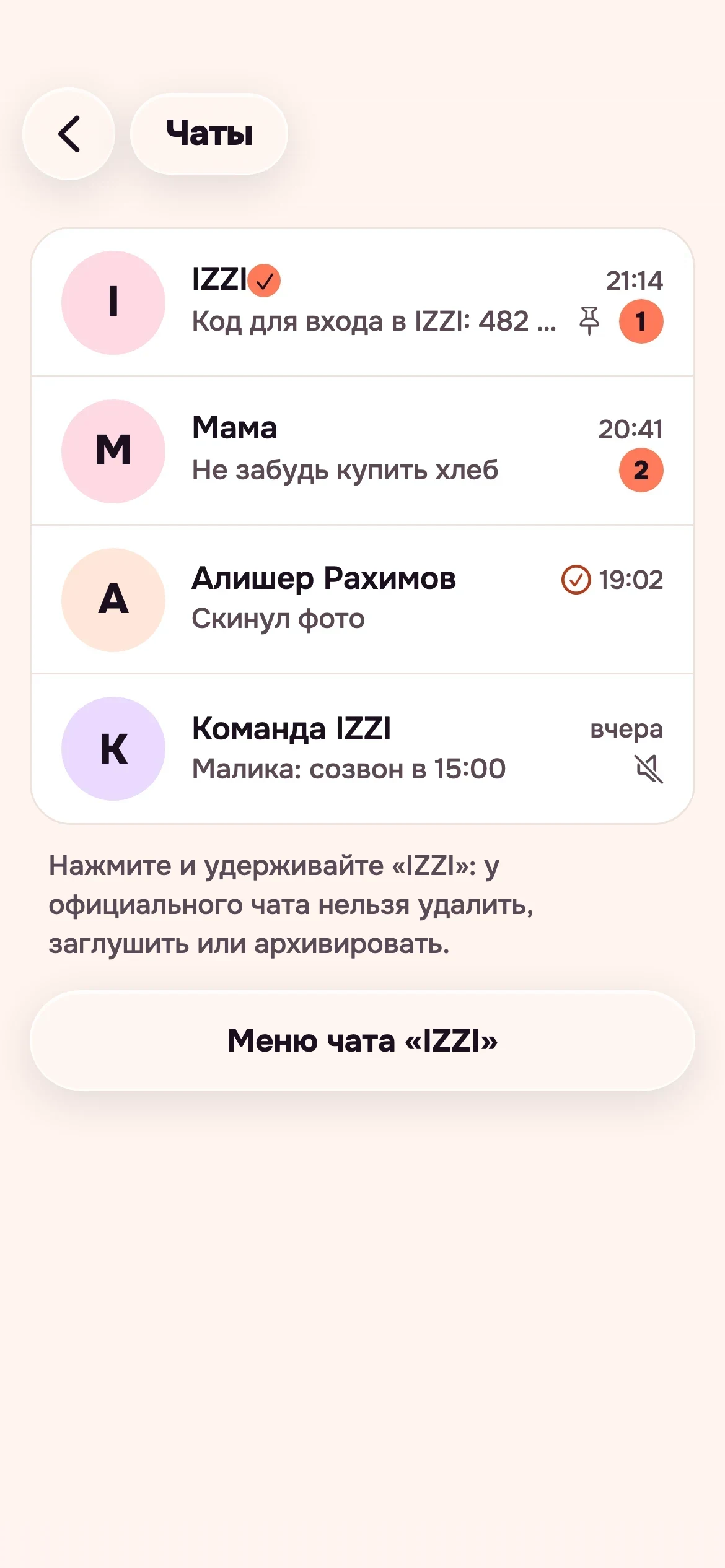
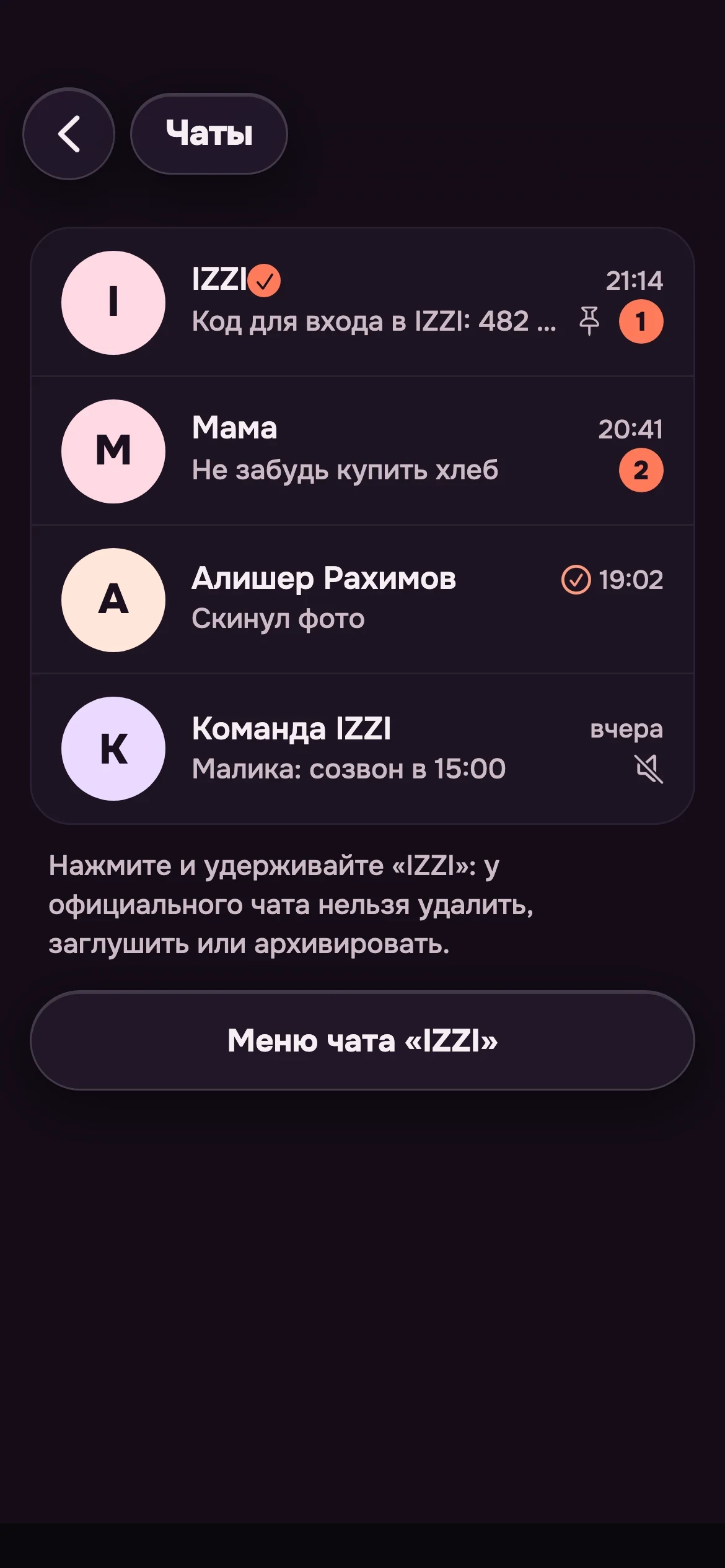
The code arrives in the “IZZI” chat
Signing in on a new device: the code waits in the official “IZZI” chat on your own devices.
See everywhere you are signed in
A list of your devices and a way to close any extra session in two taps.
We warn you if something looks off
We notice a suspicious sign-in and tell you right away what to do next.
Contacts only when you say so
We find your friends on izzi only if you allow it, and you can turn it off anytime.
Your account, your decision
Tune your privacy and delete your account whenever you like.
Bright by day, cozy by night
Light and dark themes, your language and the text size you need. izzi adapts to you, not the other way around.
- Русский, English, Oʻzbekcha
- Large text and a calm mode with less animation
- The familiar icons of your phone
Phone, tablet, browser
One account on every device. Start a conversation on your phone, continue in the browser: everything is in place.
What people usually ask
Why one more app for talking?
Because talking is more than messages. In izzi chat, calls, Moments and live broadcasts live in one place and look equally warm, so you do not jump between apps.
How do I start?
Enter your phone number, tell us your name and add a photo. In a minute you are in izzi, and friends find you if you allow it.
What if I lose my phone?
Sign in on a new device: the code arrives in the “IZZI” chat on another of your devices. And if you have no devices left, access recovery helps.
What do you know about my contacts?
Only what you allowed. You can turn phone book sync on and off in settings.
Can I leave izzi?
Yes, anytime. Settings include account management, deletion included.
When will izzi be in the stores?
Very soon. As soon as the app is available, App Store and Google Play buttons will appear here.
Where do I report someone?
Right in the app: every user, group, channel, Moment and broadcast has a “Report” button. More on the help page.
izzi is almost here
Stay close to the people who matter. Take a look at the presentation or the help pages while we prepare the launch.